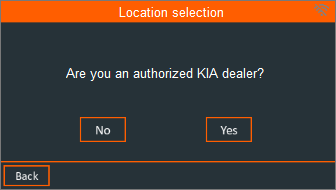
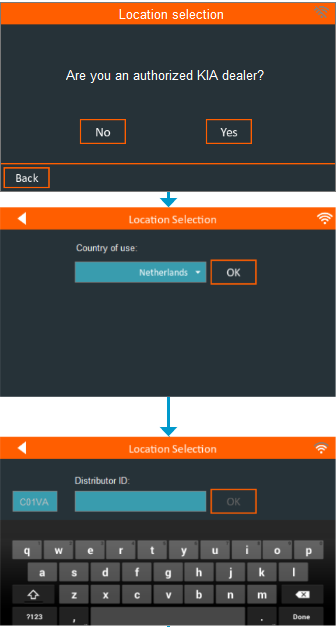
When you first start your new xMB-9640, or when you did a factory reset, the xMB-9640 will guide you through the initial setup process. Within this process, you’re asked for your Dealer Code / Distributor ID:
Tips
Please read the information below carefully in case you experience any issues:
- The xMB-9640 needs to be connected during this step to retrieve the dealer data associated with the dealer code you enter.
- Make sure you enter the right country, as this is part of the dealer code.
- In case you do not have a Dealer Code, for example if you are not an official KIA Dealership, please follow the steps below.
Setup without a Dealer Code
If you are not an authorized KIA Dealer, please indicate this during the setup process.
After setting up the regional settings and configuring the Wi-Fi network, you ‘ll be prompted if you’re a KIA Dealer or not. If you choose “No” you won’t be asked for a valid Dealer Code.